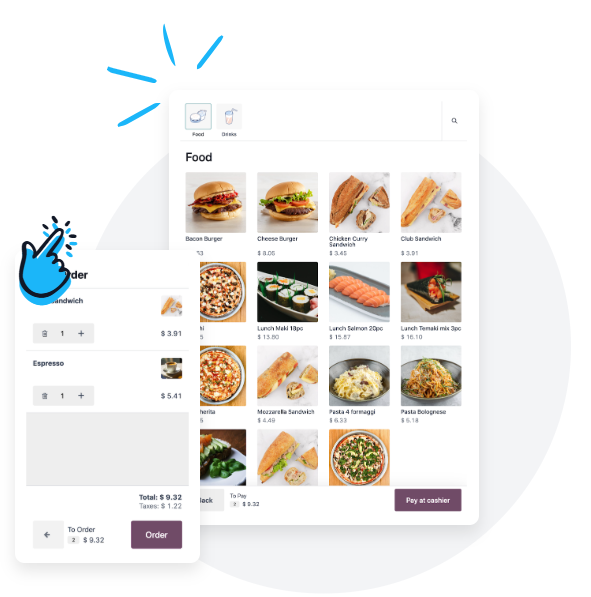
Point of sale (POS)
Fast touchscreen point of sale covering dine-in, takeaway, and external orders, with multiple payment methods, shift closing, cash reconciliation, and till variance tracking.
Connect teams and data in workflows shaped around the industry's operating priorities.
One system connecting point of sale, kitchen, inventory, and accounting, so branch performance, per-dish cost, and sales channels are all tracked in one place.
Fast touchscreen point of sale covering dine-in, takeaway, and external orders, with multiple payment methods, shift closing, cash reconciliation, and till variance tracking.
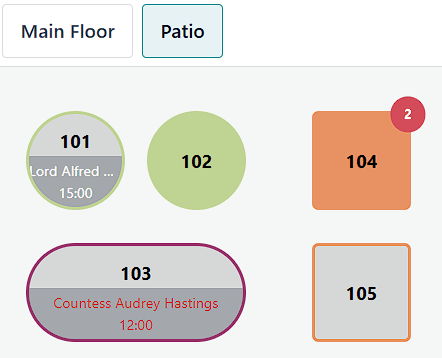
An interactive floor plan showing table status, order assignment to waiters, plus merging and moving tables and splitting bills.
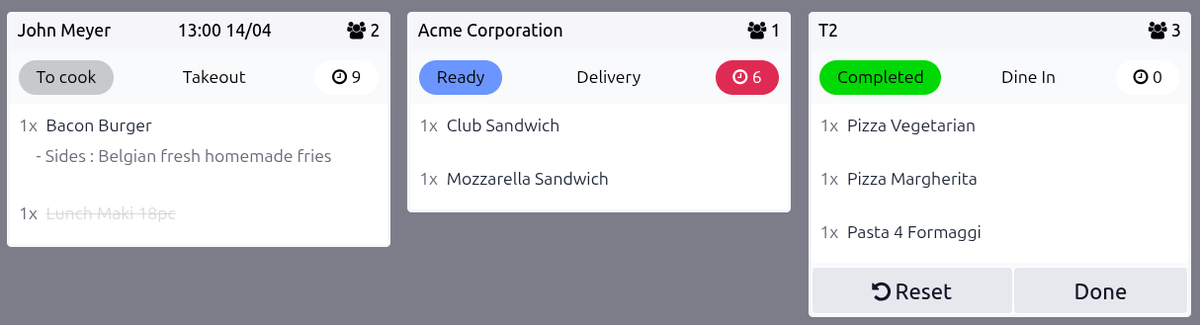
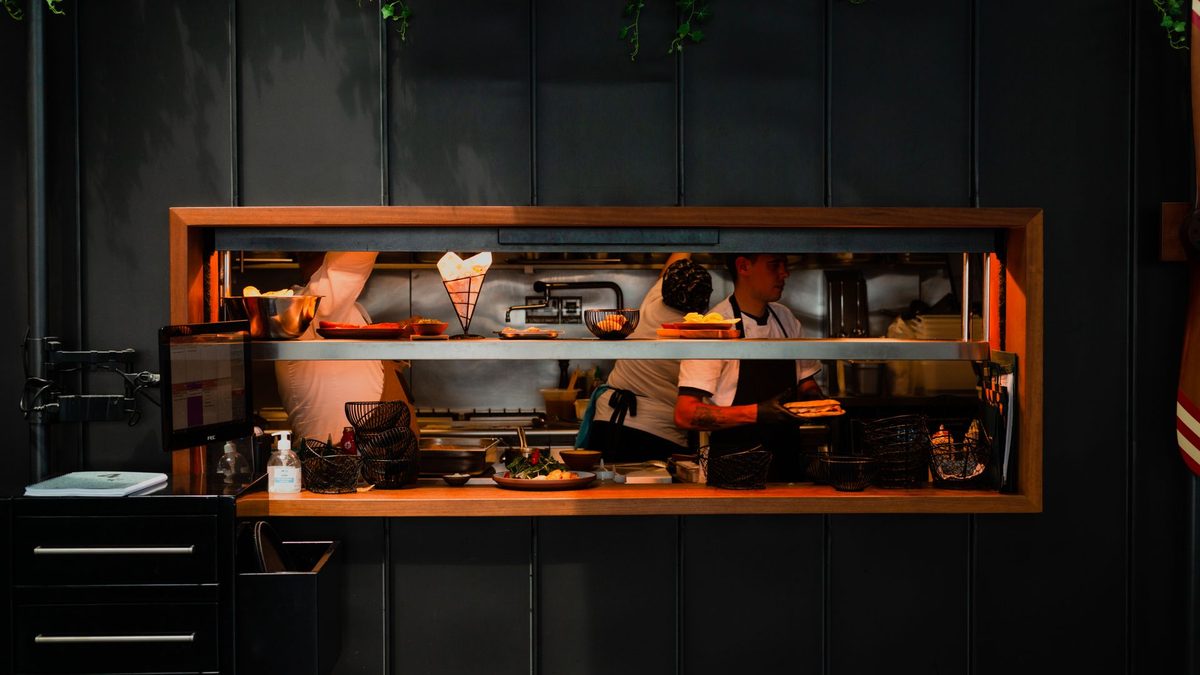
Orders appear on kitchen screens the moment they are rung up, with colour cues for preparation time that cut paper errors and speed up service.
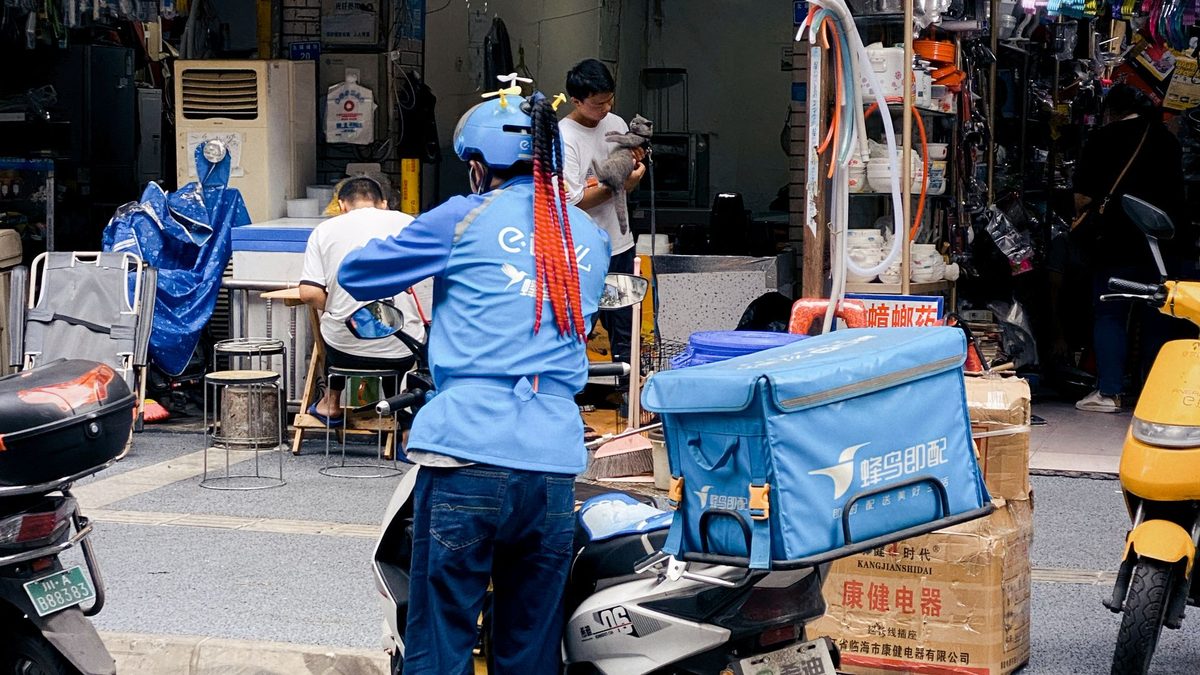
Dine-in, takeaway, phone orders, and own-fleet delivery with driver and collection tracking, all consolidated into a single revenue view.

A separate sales channel per app such as HungerStation, Noon Food, and Jahez, recording commissions, net payouts, and settlements, and comparing profitability per platform.

Standard recipes (BOM) per dish with automatic raw-material deduction on sale, cost calculation, food-cost ratio monitoring, and alerts when the threshold is exceeded.
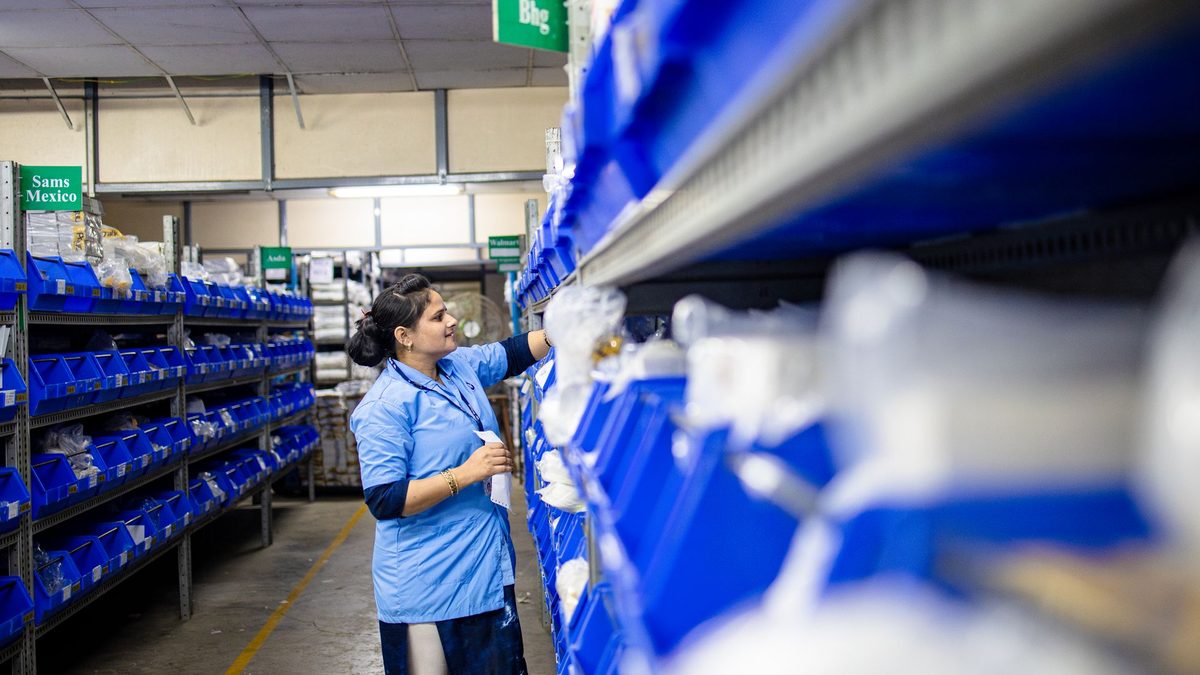
Main warehouse and branch stores, transfers, waste and spoilage, expiry dates and lots, plus scheduled and spot counts with variances posted to accounting.
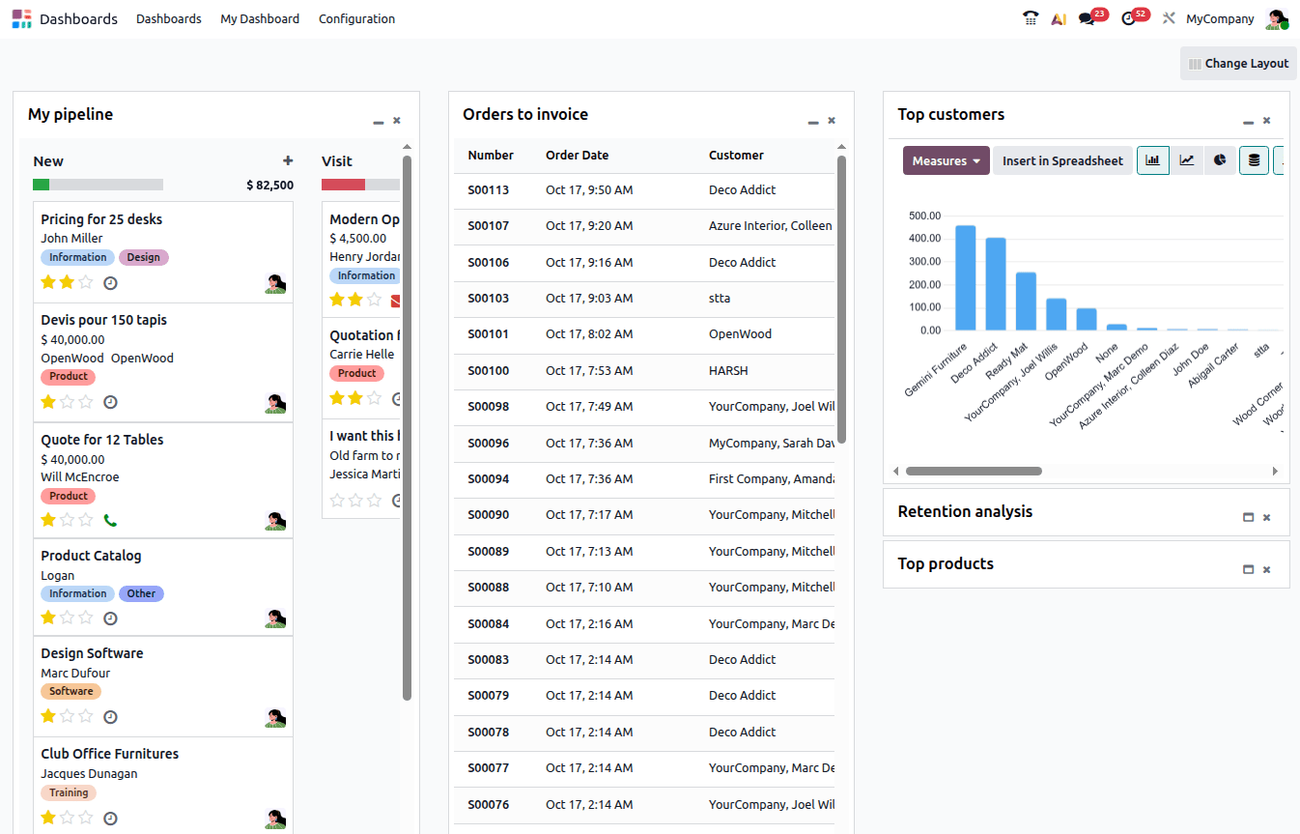
Automatic entries from sales, purchases, stock, and payroll; invoices, vouchers, and receivables and payables; 15% VAT and ZATCA requirements.
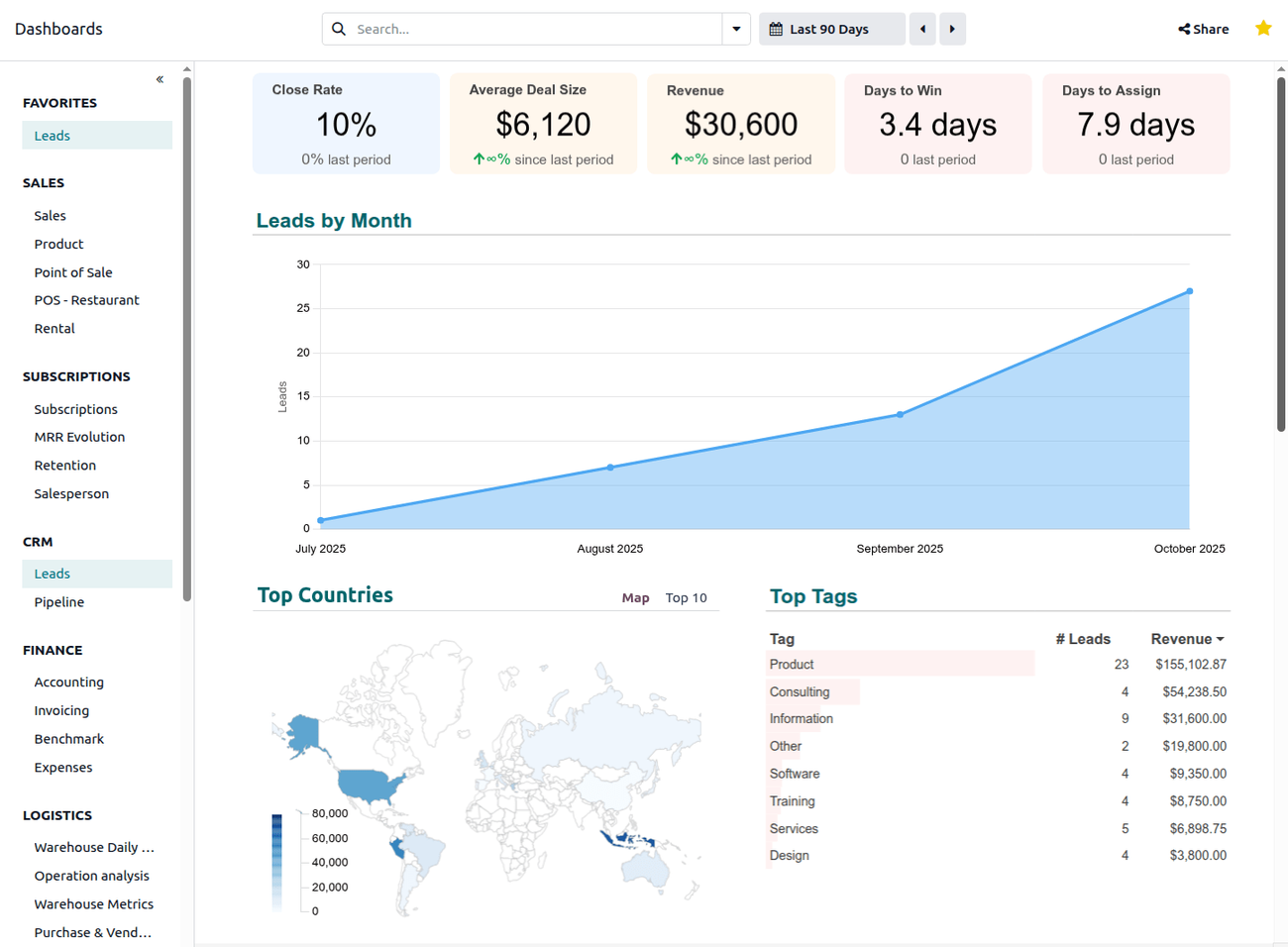
Daily and monthly sales, average order value, waste and food-cost indicators, net profit, branch performance and best sellers, exportable to Excel and PDF.

Employee records, contracts, attendance, shifts, leave, and payroll, with per-role access rights and an audit trail for every user.

Outcomes are indicative and depend on business size, data quality, and adherence to operating procedures.

Total indicative duration is 7 - 15 working days, depending on the number of branches and data readiness.
Standard Odoo applications may cover much of this scenario; any additional customisation is scoped after analysis and is not presented as an out-of-the-box feature.
A secure Enterprise demo database with applications selected for your operations.